
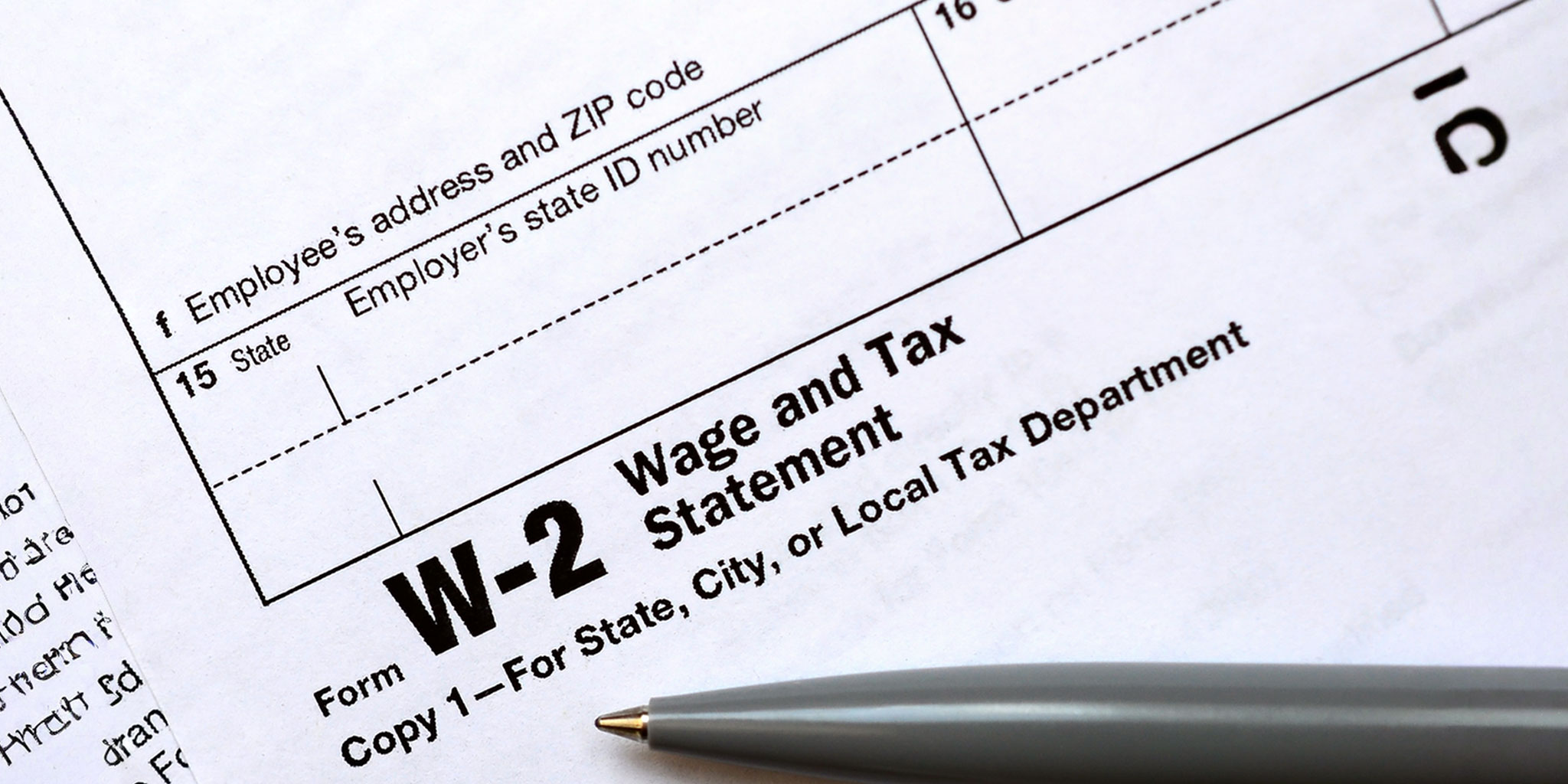
Filing your taxes is important. To do this, you usually need a Form W-2. This form shows how much money you earned and how much tax was taken from your pay. Your employer must send you this form by January 31 each year.
But sometimes, things go wrong. Your W-2 might be lost, delayed, or missing. Maybe your employer closed down, or there was a mistake. Don’t worry! You can still file your taxes even if you don’t have your W-2. The Internal Revenue Service (IRS) has steps to help you.
This guide’ll show you what to do if your W-2 is missing. You’ll learn how to:
- Contact your employer to ask for your W-2.
- Reach out to the IRS if you can’t get the form.
- Use Form 4852 as a substitute for your W-2.
- File your taxes on time to avoid penalties.
By following these steps, you can make sure your taxes are filed correctly, even without your W-2.
Understanding the Role of Form W-2
A Form W-2, also called a Wage and Tax Statement, is a paper that shows how much money you made from your job and how much tax was taken out. Your employer must give you this form by January 31 each year.
Why is the W-2 Important?
- Income Reporting: It tells the Internal Revenue Service (IRS) how much money you earned.
- Tax Withholding: It shows how much tax was taken from your pay for federal, state, and local taxes.
- Social Security and Medicare: It reports how much you and your employer paid into Social Security and Medicare.
- Tax Filing: You use the W-2 to fill out your Form 1040 when doing your taxes.
If you had more than one job, you’ll get a W-2 from each employer.
The IRS and the Social Security Administration (SSA) also get copies of your W-2. They use it to check that your tax return is correct.
Immediate Steps When Your W-2 Is Missing
If you haven’t received your Form W-2 by the end of January, don’t worry. Follow these steps to get your W-2 or find another way to file your taxes.
1. Check Online Portals
Many employers provide digital access to tax documents. Log into your company’s HR or payroll portal to see if your W-2 is available online. If you’re unsure how to access it, contact your Human Resources Department or Payroll Department for assistance.
2. Contact Your Employer
If you can’t find your W-2 online, reach out to your employer directly. Ask if the W-2 has been sent and confirm that they have your correct mailing address. Sometimes, forms are delayed or sent to the wrong address.
3. Wait Until Mid-February
If you still haven’t received your W-2 by February 15, it’s time to take further action.
4. Call the IRS for Help
Contact the Internal Revenue Service (IRS) at 800-829-1040. Be ready to provide the following information:
- Your name, address, phone number, and Social Security Number (SSN).
- Your employer’s name, address, and phone number.
- The dates you worked for the employer.
- An estimate of your wages and federal income tax withheld.
The IRS will contact your employer to request the missing W-2. They will also send you Form 4852, which you can use as a substitute if your W-2 doesn’t arrive in time.
Using IRS Form 4852 as a Substitute
If you can’t get your Form W-2, you can use IRS Form 4852. This form helps you file your taxes when your W-2 is missing or incorrect. It lets you estimate your income and taxes withheld.
What is Form 4852?
Form 4852 is called “Substitute for Form W-2, Wage and Tax Statement.” You use it when:
- Your employer didn’t send you a W-2.
- Your W-2 has the wrong information.
How to Fill Out Form 4852
To complete Form 4852, you’ll need:
- Personal Information: Your name, address, and Social Security Number (SSN).
- Employer Details: Your employer’s name, address, and Employer Identification Number (EIN), if known.
- Estimated Income and Taxes: Use your final pay stub or other records to estimate:
- Wages, tips, and other compensation.
- Federal income tax withheld.
- Social Security and Medicare wages and taxes.
- State and local income taxes withheld.
In Box 9, explain how you estimated your wages and taxes. In Box 10, describe the steps you took to get your W-2.
Important Notes
- Attach Form 4852 to your Form 1040 when filing your tax return.
- Keep a copy of Form 4852 for your records.
- If you receive your W-2 after filing and the information is different, you must file an amended return using Form 1040-X.
Filing Your Tax Return Without a W-2
If your Form W-2 is missing and you can’t get it, you can still file your taxes. The Internal Revenue Service (IRS) provides ways to help you do this correctly.
1. Use Form 4852
When your W-2 is missing, you can use Form 4852, called “Substitute for Form W-2, Wage and Tax Statement.” This form lets you estimate your income and taxes withheld.
- Get Form 4852: You can download it from the IRS website.
- Fill it out: Use your last pay stub or other records to estimate your wages and tax withheld.
- Attach to your tax return: Send Form 4852 with your Form 1040 when you file your taxes.
Remember, using Form 4852 may delay your refund because the IRS needs to verify your information.
2. File on Time
It’s important to file your tax return by the deadline, even if your W-2 is missing. The usual deadline is April 15. If you can’t file on time, you can request an extension using Form 4868. This gives you more time to file, but you still need to pay any taxes you owe by the original deadline to avoid penalties.
3. Consider Electronic Filing
Filing your taxes electronically (e-file) is faster and more accurate. You can use IRS Free File or tax software like TurboTax or H&R Block. These programs can guide you through the process, even if you’re using Form 4852.
4. Keep Good Records
Keep copies of all documents you use to estimate your income, like pay stubs or bank statements. This helps if the IRS has questions later.
Amending Your Return If the W-2 Arrives Later
If you filed your taxes using Form 4852 because your W-2 was missing, and later you receive your actual W-2, you may need to correct your tax return. To do this, you use Form 1040-X, called the Amended U.S. Individual Income Tax Return.
When Should You Amend Your Return?
You should file an amended return if the information on your actual W-2 is different from what you estimated on Form 4852. This ensures your tax records are accurate and helps you avoid any issues with the Internal Revenue Service (IRS).
How to File an Amended Return
- Get Form 1040-X: You can download it from the IRS website.
- Fill out the Form: You’ll need to provide:
- The original amounts from your first tax return.
- The corrected amounts based on your actual W-2.
- The difference between the original and corrected amounts.
- An explanation of why you’re making the changes.
- Attach Supporting Documents: Include a copy of your actual W-2 and any other forms that have changed.
- Submit the Form: You can file Form 1040-X electronically for tax years 2020 and later, or mail it to the address listed in the form’s instructions.
Deadlines for Amending Your Return
Generally, you must file an amended return within 3 years from the date you filed your original return or within 2 years from the date you paid the tax, whichever is later.
Checking the Status of Your Amended Return
After filing, you can check the status of your amended return using the Where’s My Amended Return? tool on the IRS website. Processing can take up to 16 weeks, so be patient.
Preventing Future W-2 Issues
To avoid problems with your Form W-2 in the future, follow these simple steps:
1. Keep Your Address Updated
Make sure your employer has your current mailing address. If you move, inform your Human Resources (HR) or Payroll Department right away. You can also update your address with the Internal Revenue Service (IRS) by filing Form 8822.
2. Choose Electronic Delivery
Many employers offer electronic W-2 forms. This means you can get your W-2 online, which is faster and safer than mail. To receive your W-2 electronically, you must give your consent. Check with your employer on how to opt in.
3. Monitor Your Mail
If you prefer paper forms, keep an eye on your mail around January 31. If you don’t receive your W-2 by mid-February, contact your employer.
4. Save Your Pay Stubs
Keep all your pay stubs throughout the year. They can help you estimate your income and taxes if your W-2 is missing or incorrect.
5. Communicate with Former Employers
If you change jobs, make sure your previous employer has your updated address. This ensures you receive your W-2 on time.
By taking these steps, you can help ensure that you receive your W-2 without issues each year.
Conclusion
Filing your taxes without a Form W-2 might seem hard, but it’s possible. By following the right steps, you can make sure your taxes are correct and on time.
Key Takeaways
- Contact Your Employer: If your W-2 is missing, first ask your employer for it.
- Reach Out to the IRS: If you can’t get your W-2 from your employer, call the Internal Revenue Service (IRS) at 800-829-1040. They can help you get the form or provide Form 4852 as a substitute.
- Use Form 4852: This form lets you estimate your wages and taxes withheld if your W-2 is missing or incorrect.
- File on Time: Even without a W-2, it’s important to file your taxes by the deadline to avoid penalties.
- Amend if Needed: If you get your W-2 after filing and the information is different, use Form 1040-X to correct your tax return.
Stay Prepared
To prevent future issues:
- Keep your mailing address updated with your employer and the IRS.
- Opt for electronic W-2 delivery if available.
- Save your pay stubs and other income records throughout the year.
By staying organized and proactive, you can handle tax season smoothly, even if challenges arise.